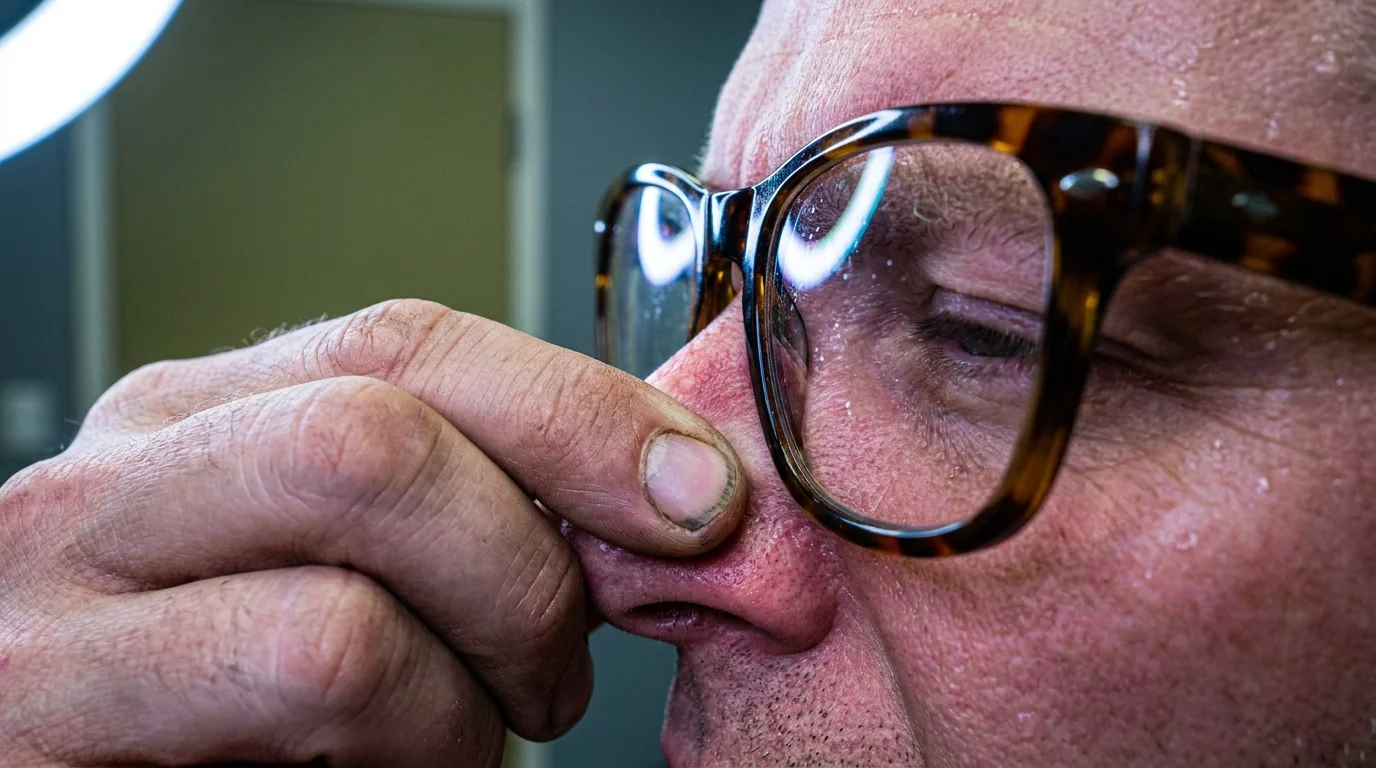
The dull hum of the office fan cuts through the mid-afternoon silence, accompanied by the dry click of keyboard keys and the faint glare of two monitors casting cool blue light across your desk. It is nearly 3:15 PM, and like clockwork, the familiar vise tightens across the back of your head. You reach up, feeling those warm tortoiseshell plastic frames sliding down a slick nose bridge, shoving them back into place with the knuckle of your index finger.
You bought these progressive lenses and bifocal computer glasses with high hopes. The sales pitch made total sense: clear vision at arms length without squinting, filtering glare while keeping spreadsheets crisp. You assumed your recurring late-day skull throb was just screen fatigue, bad lighting, or the lingering stress of an unmanageable inbox.
Yet as the minutes tick down toward five o’clock, the pressure turns into a steady, rhythmic thrum. It radiates upward from the soft notch where your spine meets the skull floor, creeping over your ears and settling like a lead weight behind your brows. You keep reaching for water and rubbing your temples, completely unaware that your expensive corrective eyewear is the exact mechanical trigger keeping your nervous system in a quiet chokehold.
The Periscope Paradox: How Chin Tilt Crushes Cranial Nerves
When you put on standard bifocals or everyday progressive lenses to look at a monitor, an involuntary posture shift happens immediately. The reading prescription sits in the lower third of the glass. Because your computer screen sits directly in front of your natural gaze, you cannot look through that lower pocket without physically tilting your chin toward the ceiling.
This microscopic upward tilt seems harmless, but it changes the geometry of your neck. Your head weighs roughly twelve pounds in neutral alignment; tilt it backward while jutting your chin forward, and you effectively double the mechanical load on the suboccipital triangle. This tiny cluster of four delicate muscles sits nestled right beneath your occipital bone, acting as a muscular anchor for the skull.
Threaded directly through these muscles runs the greater occipital nerve trunk. When your chin tilts up to chase that tiny optical sweet spot on your lens, those suboccipital muscles clamp shut like a hydraulic vice. The compressed nerve fires distress signals back into the brainstem, producing that sickening, dull throb that mimics a migraine or tension headache. You think your eyes are resting, but your cervical spine is working overtime.
- Propping mattress foot elevation demands faster venous drainage easing restless midnight leg cramps
- Thick back pocket wallets enforce pelvic asymmetry derailing healthy lumbar spine stability
- Crushing fresh rosemary sprigs sparks rapid morning alertness without caffeine crashes
- Cod liver oil spoonfuls reverse aching winter joints by soothing stubborn cartilage inflammation
- Blackstrap molasses spoonfuls stop nocturnal foot muscle cramps with rapid potassium absorption
The Draftsman’s Blind Spot
Elena Vance, a 46-year-old architectural draftsman based in Denver, spent six months chasing medical answers for daily 4:00 PM skull-splitting pressure that left her nauseated. She swapped desk chairs twice, cut out caffeine, and tried dry needling for what three different practitioners labeled stubborn work-related myofascial strain. Her monitors were ergonomically positioned at eye height, just as standard workplace guides recommended. The missing variable was her brand-new set of workplace bifocals: every time she scrutinized a floor plan, her chin crept upward by barely three-quarters of an inch to clear the lens boundary. Once her physical therapist swapped her bifocals for dedicated single-vision intermediate glasses, the daily skull throbbing vanished within four workdays.
Mapping the Strain: Adjustment Layers for Your Workstation
Every desk worker relies on a slightly different visual ecosystem. Pinpointing where your glasses fight your hardware requires looking at your specific setup.
For the Multi-Monitor Power User
If you sweep your eyes across dual displays or an ultrawide monitor, bifocals force you to perform a continuous figure-eight head motion while tilted backward. You are not only pinching the suboccipital nerves, but you are also grinding the facet joints of your upper cervical vertebrae. For this layout, you require dedicated occupational single-vision lenses tailored precisely to the 28-inch focal distance between your pupils and the screen perimeter.
For the Laptop and Riser Minimalist
Prop your laptop up on a stand, and you inadvertently mimic the drafting table problem. Because the screen is small, users naturally push their chin forward and tip the head back to utilize the bottom focal corridor of their progressive lenses. If you must use a compact screen, lower the stand so the top edge of the bezel sits roughly two inches below eye level, letting you gaze slightly downward without tilting your chin bone upward.
For the Mixed-Media Reader
Switching between physical paper notepads lying flat on the desk and a vertical screen creates severe whiplash for suboccipital tissues. Rather than craning backward and forward through divided glasses, utilize a document clip that mounts physical notes immediately adjacent to your digital screen at an identical focal depth.
Mindful Application: Releasing the Suboccipital Clamp
Eliminating this daily pressure cycle does not require abandoning screen work. It requires aligning your optical field with your spine’s natural resting state through deliberate, low-friction habits.
- Ditch split-field lenses at the desk: Invest in dedicated single-vision computer glasses set explicitly for your arm’s-length workstation distance, eliminating the mechanical need to angle your chin.
- Adjust monitor baseline height: Lower your displays so that your natural, relaxed forward gaze lands exactly on the top third of the screen without tilting your head back.
- Perform the occipital breath: Every ninety minutes, gently drop your chin toward your throat, creating a subtle double chin to lengthen the base of the skull, holding for four deep breaths.
- Use tactile skull releases: Place two fingers on the hollow notches at the base of your skull, tilt your head down five degrees, and breathe until you feel the muscle bands soften.
The Tactical Desk Toolkit
Keep these baseline parameters locked into your workspace measurements:
- Working Focal Distance: 22 to 26 inches measured from bridge of nose to monitor glass.
- Monitor Tilt Angle: 10 to 15 degrees tilted back, matching your natural downward line of sight.
- Occipital Reset Frequency: 90 seconds of chin-tuck traction for every 60 minutes of uninterrupted screen focus.
The Bigger Picture: Reclaiming Natural Alignment
When you stop forcing your neck to compensate for your lenses, the afternoon stops feeling like an endurance test. The body does not hold tension out of spite; it stiffens because you have unknowingly forced it into an unnatural physical compromise to interact with tools designed without your anatomy in mind. Correcting your visual focal depth is not just about clearing your field of vision—it frees the base of your brain from unnecessary mechanical static, leaving your mind clear and your afternoons pain-free.
The sharpest optical clarity is worthless if the posture required to find it strangles the nerves keeping your mind clear.
| Key Point | Detail | Added Value for the Reader |
|---|---|---|
| Suboccipital Nerve Pinch | Caused by raising chin 10-15 degrees to use lower bifocal reading corridors. | Identifies the true anatomical root of unexplained afternoon tension headaches. |
| Focal Distance Mismatch | Standard reading glasses are tuned for 14 inches; screens sit at 24 inches. | Explains why casual drugstore readers fail to solve digital workspace fatigue. |
| Dedicated Single-Vision Fix | Full-lens occupational lenses ground specifically for 24-inch viewing distance. | Eliminates all compensatory head-tilting and instantly unloads cervical strain. |
Frequently Asked Questions
Why do my standard progressive lenses cause neck pain while working?
Everyday progressive lenses place your intermediate and reading corridors in narrow strips along the bottom of the lens, requiring you to elevate your chin constantly to view your computer monitor clearly.How do dedicated computer glasses differ from regular bifocals?
Dedicated computer glasses use a continuous single-vision or specialized task-specific intermediate lens that fills your entire field of view at arm’s length, eliminating the need to tilt your head.Can I just lower my monitor instead of buying new glasses?
Lowering your monitor helps significantly by bringing the display into your lens’s lower reading zone, but it can create mid-back hunching if dropped too far below eye level.How quickly does suboccipital nerve irritation resolve once posture is fixed?
Most desk workers notice a sharp decline in dull afternoon skull pressure within three to five days after adopting proper focal alignment and releasing suboccipital tension.Are blue-light blocking coatings enough to prevent these afternoon headaches?
No, blue-light coatings only filter light wavelengths; they do nothing to solve the physical nerve compression caused by craning your neck to see through split lenses.