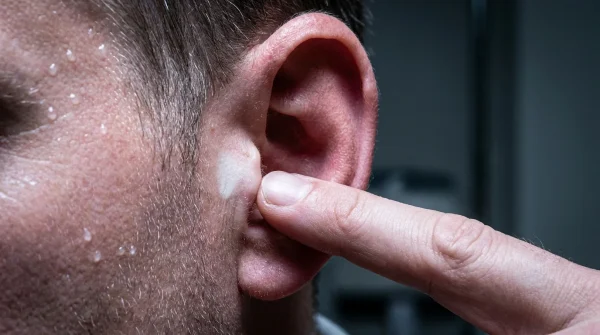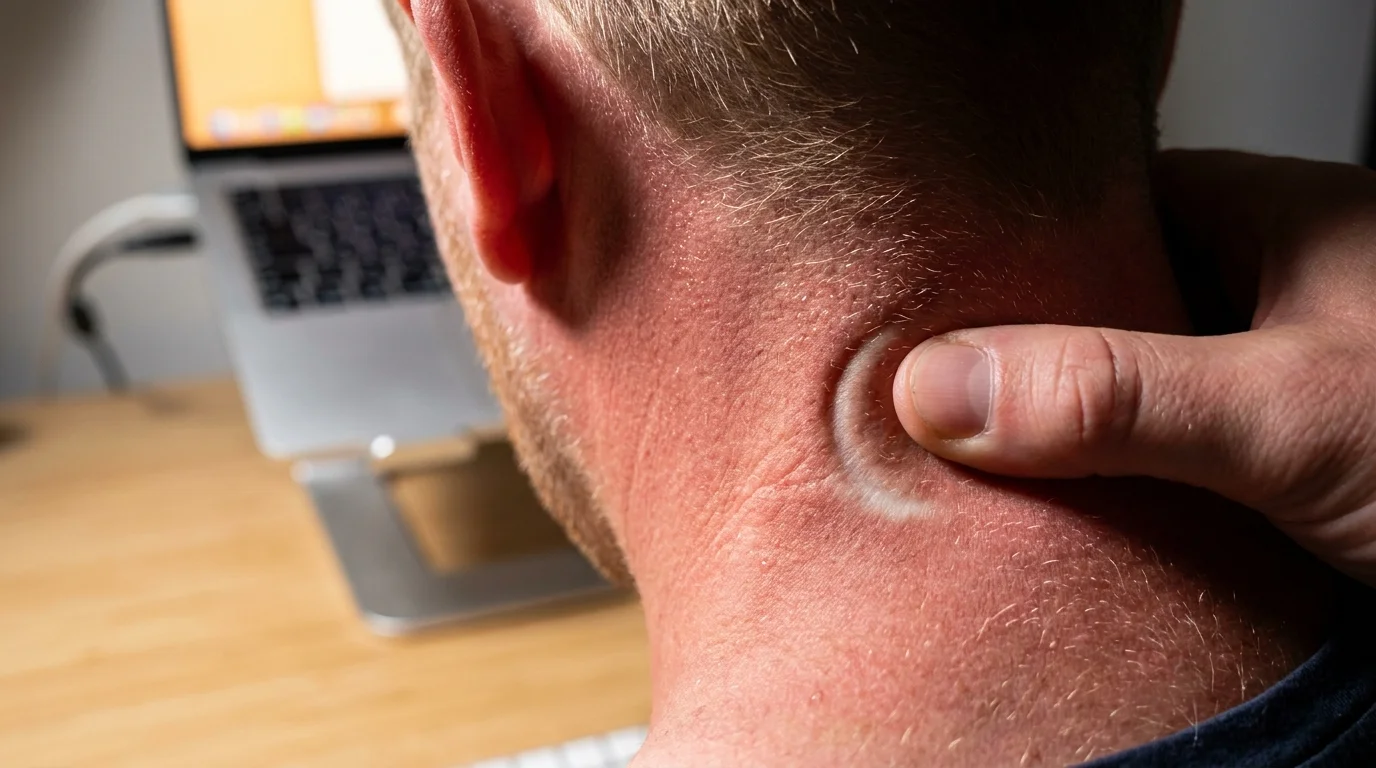
The cooling fan inside your machine kicks into a higher gear right around three in the afternoon. Dust motes hang suspended in the strip of amber daylight crossing your desk, and your shoulders have crept upward toward your ears without your permission. You roll your neck, listening to the dry, papery gravel crunching between your shoulder blades, trying to shake loose a dull ache that has quietly set up camp behind your ears.
You reached for that low-profile aluminum laptop wedge because it promised ergonomics without clutter. It folds flat into a commuter backpack, props the keyboard at an inviting slope, and feels sturdy beneath your palms. Yet the persistent, band-like throb crawling up the base of your skull tells a completely different physical story.
Most people blame their afternoon fatigue on dehydration or screen glare, ignoring the slow hydraulic drag happening in the back of the neck. When a stand lifts your screen just three or four inches, it leaves your display parked well below eye level. Your chin stays anchored down toward your collarbone, turning your skull into dead weight that your upper spinal muscles must haul uphill for eight hours straight.
The human head weighs roughly twelve pounds in neutral alignment, but leaning forward even slightly multiplies that load exponentially. By the time your workday winds down, the delicate network of fibers cradling your upper cervical spine is burning under continuous mechanical strain.
The Bowling Ball on a Bent Dowel
Imagine balancing an eight-pound bowling ball directly atop a vertical broom handle. As long as the rod stays perpendicular to the floor, you can hold it steady using only two fingers. Tip that broomstick forward by fifteen or twenty degrees, however, and your wrists, forearms, and shoulders immediately tense to keep the weight from crashing down.
That dowel is your cervical spine; the bowling ball is your head. Your suboccipital muscles—a small cluster of four paired muscles sitting right at the seam where the skull joins the neck—are designed to steer delicate head turns and eye tracking. They are precision navigational instruments, not industrial crane cables. When low laptop stands hold your focal plane down on your desk blotter, you force these micro-muscles to act as primary load-bearing suspension ropes.
This persistent isometric hold chokes off local capillary blood flow, starving the tissue of oxygen while metabolic waste builds up throughout the afternoon. The suboccipital nerve emerges directly through this tight muscular bed. When those tissues seize, they compress that nerve, sending a signature radiating ache up over your crown, pooling behind your temples, and tightening like an iron band across your brow line.
- Tabasco hot sauce drops hijack racing panic loops through sudden stinging tongue shocks
- Evening magnesium glycinate doses trigger sluggish morning brain fog under outdated pacing schedules
- Safflower cooking oil searing releases choking irritants sparking heavy post-dinner sinus pressure
- Skipping yard inclines accelerates lower leg muscle fade and destabilizes steady walking posture
- Vacuuming plush carpets locks grinding spinal pressure triggering sharp lower back morning spasms
A Pattern Seen in the Studio
Elena Vance, a 39-year-old architectural draftsperson based in Chicago, spent nearly two years chasing what she thought were recurring tension headaches. Her doctor checked her hydration, changed her glasses prescription, and suggested blue-light filters, yet the tight vice at the base of her skull returned every Tuesday and Thursday like clockwork. Her workstation featured a low brushed-steel stand that angled her keyboard upward by fifteen degrees—marketed explicitly for wrist relief.
“The moment we set her laptop on an adjustable arm that lifted the top bezel directly to her horizontal gaze, her afternoon temple throbbing dissolved within three days,” Vance noted during a workspace biomechanics review. The culprit had never been her eyes or her daily water intake; it was the fifteen-degree downward chin tilt she held for six hours a day.
Matching Sightlines to Your Workflow
Not every desk setup produces the same cervical pinch, but treating your laptop screen like a desktop display without modifying your tools guarantees discomfort. Understanding how your physical setup interacts with your neck helps identify where the breakdown begins.
The Compact Nomad: Working from coffee shops or kitchen counters often means relying on a two-inch folding riser to keep the machine cool. While this saves your wrists from resting on hot casing, it locks your chin into a permanent downward angle. To offset this, you must prioritize lifting the screen to horizon level and operating with an external mouse and keyboard, rather than typing directly on the elevated deck.
The Split-Level Worker: Many home offices pair a low laptop stand next to a large, elevated desktop monitor. When your primary canvas sits at eye level while your slack channels and emails hide down on the laptop screen, your neck executes hundreds of diagonal downward twists each hour. That asymmetric torsion wrenches the sternocleidomastoid and suboccipital muscles on one side far harder than the other.
The Deep-Focus Drafter: If your work requires prolonged reading, document review, or coding, your eyes lock onto the bottom third of the display for unbroken forty-minute blocks. The lower that text sits, the more your thoracic spine rounds to follow the chin, collapsing your natural ribcage expansion and compounding neck strain with shallow, restricted breathing.
Calibrating Your Horizon
Fixing this structural pinch does not demand an expensive overhaul of your home office. It requires shifting your baseline perspective on how a screen should meet your eyes. Follow these small adjustments to relieve the strain at the base of your skull.
Begin by decoupling your display from your typing surface. A laptop is built for portability, which means its keyboard and screen are permanently welded too close together for human anatomy. Lifting the screen to the right height while trying to type on its keys only shifts the tension into your forearms and traps.
- Raise the top bezel: Elevate your laptop until the top third of your display aligns perfectly with your resting horizontal eye line. When you look straight ahead, you should stare directly into your browser tab bar without dipping your chin.
- Introduce external peripherals: Place a dedicated keyboard and mouse flat on the desk surface where your elbows can rest naturally at a ninety-degree angle, keeping your upper arms hanging loose like wet ropes.
- Push the screen back: Position the laptop roughly an arm’s length away. If you find yourself leaning forward to read small text, scale your display resolution up to 125 percent rather than jutting your neck out to meet the glass.
- Release the suboccipital clutch: Every sixty minutes, drop your chin gently toward your throat to create a double chin, hold for three seconds without pressing back against your seat, and let your head float back up into neutral alignment.
Keep your adjustments simple and deliberate. Using a stack of heavy hardcovers or a stable riser with an external keyboard instantly halts the forward lever effect on your spine, giving the muscles behind your ears room to soften.
Reclaiming the Space Behind Your Ears
We often accept afternoon aches as the inevitable cost of mental labor. We assume that thinking hard, writing code, or managing complex logistics naturally leaves us battered and drained by five o’clock. But tension is rarely a byproduct of thought; it is almost always the silent friction of gravity working against an unaligned frame.
When you lift your display to meet your gaze, something subtle shifts in your entire physical state. Your chest opens naturally, your diaphragm expands without effort, and the dull, burning pressure at the hinge of your skull quietly clears away. Bringing your work up to your horizon ensures your body supports your day instead of quietly fighting against it.
“When you force the neck to carry what the skeletal column was built to balance, the skull base will always sound the alarm.”
| Setup Choice | Biomechanical Impact | Added Value for the Reader |
|---|---|---|
| Low-Profile Wedge Stand | Tilts keyboard but keeps screen low; forces sustained 20° cervical flexion and suboccipital knotting. | Clarifies why wrist-relief wedges often trade arm comfort for severe skull base tension. |
| Full-Height Riser with Peripherals | Elevates display to eye horizon; neutralizes head weight over cervical vertebrae. | Eliminates the structural lever pulling on posterior neck muscles, stopping afternoon headaches at the source. |
| Side-by-Side Dual Screen Disparity | Forces repeated diagonal downward tilting; creates unilateral muscle spasms and jaw tension. | Guides optimal screen height matching to prevent asymmetrical muscle loading across long shifts. |
Frequently Asked Questions
Can I just lean back in my chair instead of raising my laptop?
Leaning back opens the hip angle, but if your screen remains low on the desk, your neck will flex forward to keep your eyes on the text. This creates a severe cervical arch that pinches the base of the skull even more aggressively than sitting upright.How do I know if my stand is high enough without a ruler?
Close your eyes, roll your shoulders back, and let your head sit in a comfortable, neutral position. Open your eyes; your gaze should land naturally on the top bezel or address bar of your browser without tilting your head down.Why do my temples throb if the muscle tension is in the back of my neck?
The greater occipital nerve weaves directly through the suboccipital muscles. When those fibers seize from holding your head angled down, the nerve gets compressed, sending referred pain over your skull toward your forehead and temples.Will a higher laptop stand strain my wrists if I type on it?
Yes, which is why an elevated laptop should never be typed on directly. Once you lift the screen to eye level, you must use a separate keyboard and mouse resting flat on the desk surface to protect your wrists and forearms.How quickly does skull base tension ease once the screen is raised?
Acute muscular fatigue often softens within forty-eight hours of correcting screen height. For chronic tightness that has lingered for months, gentle chin-tucks and brief movement breaks will help restore resting tissue length over one to two weeks.