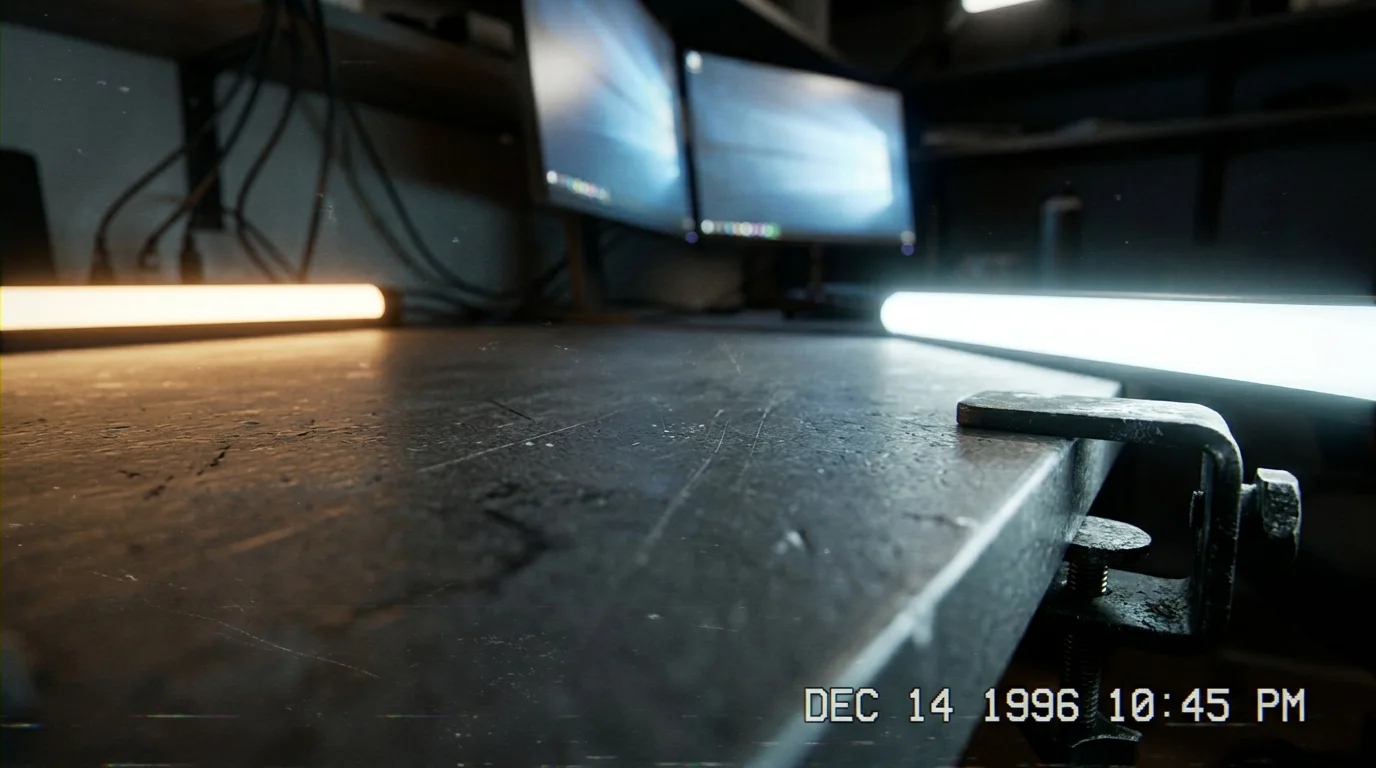
The desk lamp casts a warm pool across your blotter, yet your eyes stay fixed on the twin glow of your workstation. Suspended on an adjustable black steel monitor arm, two wide screens float side by side, tilted inward like the wings of a dark bird. By 2:30 in the afternoon, the room feels quiet, but an unmistakable tightness begins to creep upward from your shoulder blades, winding its way into the soft notch right where your spine meets your skull.
You instinctively rub the base of your head with your thumb, feeling the tender, ropy cords of muscle that resist every press. Most people assume this slow, pulsing ache comes from bad sleep, eyestrain, or the sheer weight of daily deadlines. You invested in premium pneumatic arms specifically to banish hunching and neck stiffness, expecting pristine ergonomics and frictionless multitasking.
The physical reality is far more mechanical. When your twin panels sit side-by-side with the dividing bezel centered directly before your nose, your head never actually rests in a neutral position. Instead, you hold an almost imperceptible three-to-five-degree twist for forty-five minutes at a stretch, glance back across the seam, and lock into another micro-rotation in reverse.
That microscopic pivot is all it takes to trigger the suboccipital nerve pinch cascade. Rather than liberating your posture, standard dual screen configurations often introduce chronic cervical shearing forces that standard desk stretches simply cannot touch.
The Pivot Point Fallacy
Imagine balancing a bowling ball on the tip of a broom handle. As long as the ball stays perfectly centered over the dowel, the effort required to stabilize it is negligible. Shift that ball just half an inch off-center, however, and the wood fibers begin to strain against the torque.
Your skull weighs roughly eleven pounds, resting delicately atop the atlas and axis—the C1 and C2 vertebrae. When you split your visual horizon evenly across dual screens, your head rarely sits centered. You glance left to parse a spreadsheet, then flick right to check a communication feed. Micro-rotations lock suboccipital muscles into an unrelenting isometric clamp, crushing the greater and lesser occipital nerves against the base of the skull.
The tragedy of the modern desk mount is that it solves vertical slouching while quietly worsening rotational strain. You raise the monitors to eye level, congratulate yourself on sitting upright, and overlook the persistent horizontal torque twisting through your upper cervical spine all day long.
- Slow Fe caplets leave chalky insoluble binder residues that provoke stubborn morning gut bloating
- Ice-cold coconut water shocks warm stomach linings triggering sudden sharp belly cramps after workouts
- High-rise compression leggings trap shallow chest breathing while seated sparking sudden panic flutters
- A frozen washcloth overrides racing panic attacks when pressed across tense neck tendons
- Heavy metal keychains halt silent public panic surges when pressed against cold thumb knuckles
The Field Secret from the Calibration Lab
Markus Keller, a 44-year-old architectural draftsman from Denver, spent eighteen months treating what his doctors called stubborn tension headaches. He bought specialized foam rollers, adjusted his lumbar cushion, and swallowed magnesium glycinate every night, yet by mid-afternoon, the base of his skull felt like it was trapped in a vise. His workstation looked flawless: a heavy-gauge black dual-arm mount clamping two 27-inch 4K panels in seamless alignment.
The issue only surfaced when an occupational physical therapist watched Markus work for twenty minutes unannounced. Markus spent seventy percent of his working hours draft-modeling on the left screen with his chin angled just four degrees past midline, while the right screen hosted email and reference specs. The therapist simply nudged the main screen dead-center and swung the secondary panel outward as a dedicated reference display at an acute sixty-degree angle. Within seventy-two hours, the throbbing behind Markus’s ears vanished completely.
Mapping the Screen Zones to Your Nervous System
Restoring balance does not mean tossing your second screen into a recycling bin. It means abandoning the mistaken belief that both monitors deserve equal real estate in front of your nose.
For the Data-Heavy Specialist
If your daily workflow demands two active windows open simultaneously, ditch the center-seam alignment. Place your primary workspace directly in front of your chest, letting the secondary panel sit immediately to your dominant-eye side at a slight curve. Anchor your primary vision squarely so that eighty percent of your day requires zero horizontal neck rotation.
For the Reference-Driven Researcher
If you primarily read documents on one display and synthesize notes on the other, consider rotating your secondary display into portrait mode. A vertical screen dramatically shortens the horizontal scanning arc, allowing your eyes to track up and down using natural ocular movement rather than forcing your cervical vertebrae to pivot continuously.
For the Ultrawide Convert
Many workers replace dual arms with a single curved ultrawide monitor, assuming the seam removal cures the problem. Yet without intentional window management, the trap remains identical. If you maximize a browser across the entire width, your neck sweeps back and forth like a spectator at a tennis match. Use digital snapping tools to build a fixed sixty-centimeter central working zone, reserving the peripheral margins strictly for passive notifications.
The Alignment Protocol: Calibrating the Base of the Skull
Correcting this mechanical bind requires a handful of mindful adjustments using tools you already own. Set aside fifteen minutes at the end of your day to reset your workspace geometry.
- Center your primary panel so your sternum points directly to the middle of the display, eliminating the center bezel gap from your primary line of sight.
- Position the monitor arm depth so the screen sits roughly an arm’s length away, with your fingertips lightly grazing the glass when your back rests against your chair.
- Set the top third of the glass at resting eye level, allowing your gaze to drift downward at a gentle fifteen-degree angle without dipping your chin.
- Angle your secondary screen inward at roughly thirty degrees, treating it like an open book rather than a flat wall.
- Establish a visual anchor by placing your taskbar or primary text editor directly along the vertical centerline of your main display.
Your suboccipital nerve branches breathe only when the deep cervical flexors can relax their protective grip. Pay attention to the subtle signal of chin protrusion; the moment you notice your neck jutting forward to read small typography, scale your interface text up by twenty percent rather than pulling your head toward the panel.
Reclaiming the Quiet Spine
Ergonomics is rarely about buying more hardware. More often, it is about recognizing how our everyday tools quietly dictate how our bodies hold themselves. A dual monitor mount promises expansive digital capability, but your cervical spine evolved for balanced, forward-facing orientation punctuated by broad, fluid movement—not static, micro-twisted holds that persist for eight hours under fluorescent light.
When you align your screens with your anatomy rather than your desk edges, the afternoon pressure at the base of your skull softens. Your shoulders drop an inch away from your ears, your breath deepens into your lower ribs, and your work screen stops extracting a physical toll for your daily focus.
“The human neck was built to scan wide horizons on the move, not to hold a frozen five-degree turn against a steel mount.”
| Configuration Choice | Biomechanical Impact | Workday Benefit |
|---|---|---|
| Centered Dual Seam | Continuous rotational torque on C1-C2 vertebrae | Zero; invites chronic suboccipital nerve compression |
| Primary-Center / Secondary-Wing | Neutral cervical posture for 80% of daily screen time | Relieves base-of-skull throb and muscular guarding |
| Vertical Portrait Reference | Minimizes horizontal scanning arc to ocular range | Preserves neck mobility during dense reading sessions |
Frequently Asked Questions
Why does a tiny neck twist cause pain at the base of the skull instead of the side of the neck?
The suboccipital muscles sit right below the occiput and act as sensory micro-adjusters for head position. When you hold an asymmetric angle, these deep stabilizers contract continuously, compressing the occipital nerves that route upward over the back of the head.How do I know if my screens are the cause of my tension headaches?
If your discomfort typically emerges after 1:00 PM, feels like a dull band across the base of your head, and recedes over the weekend when using a laptop or phone, rotational desk strain is very likely the culprit.Can physical therapy or stretching fix this without moving my monitors?
Stretching offers short-term relief, but returning to an offset workstation immediately re-engages the isometric muscle spasm. True resolution requires fixing the postural trigger first.Is an ultrawide single monitor better than a dual monitor setup?
An ultrawide screen removes the physical plastic bezel, but it still requires deliberate window layout. Keeping your main task centered and secondary apps on the flanks provides the best protection for your cervical spine.What is the ideal angle for a secondary reference monitor?
Tilt your secondary screen inward roughly thirty to forty degrees so the surface remains perpendicular to your eyes when you turn your gaze, preventing you from craning your neck forward to read text.